

How to Close Database in Access
Learn safe ways to close your Access database and exit the program correctly
Try this Course with a Free Trial


When you’re finished using a database, you should close it. When you close a database, however, the Access program doesn’t stop running. To stop using Access completely, you need to exit the program.
Close a Database

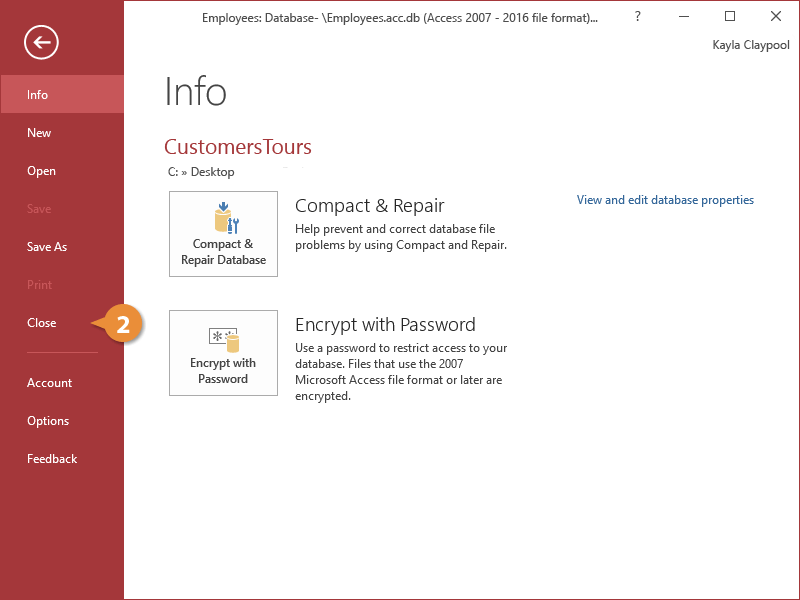
The database closes.
Exit Access
- Click the Close button on the title bar.
Clicking the Close button on the title bar also closes any open databases.
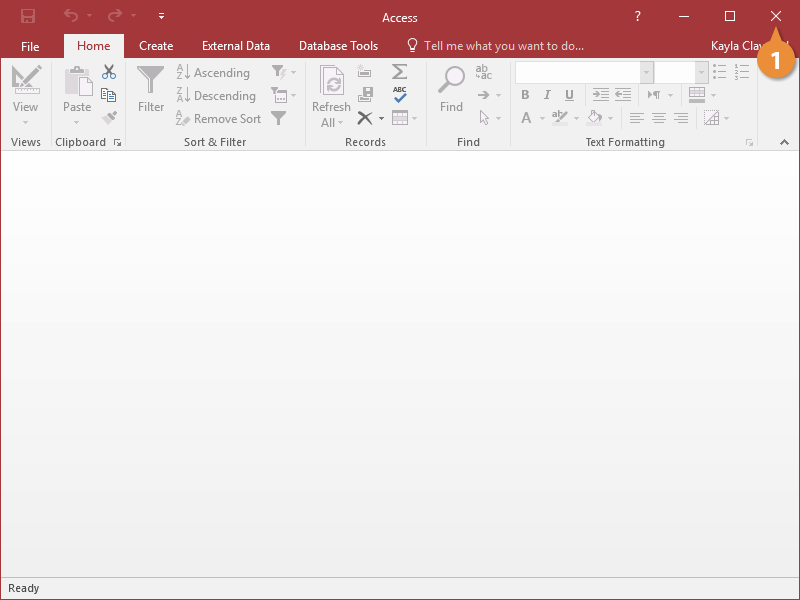
The Access program closes. If prompted to save changes before exiting, click Yes.